
Identity design · Web design · Social media design
Tuney
A brand system and a website around a Discord music bot’s five icons
- Tuney
- Tuney 2
- Tuney 3
- Staging
- Development
The product
A music bot that joins your Discord voice channel and plays what the server asks for.
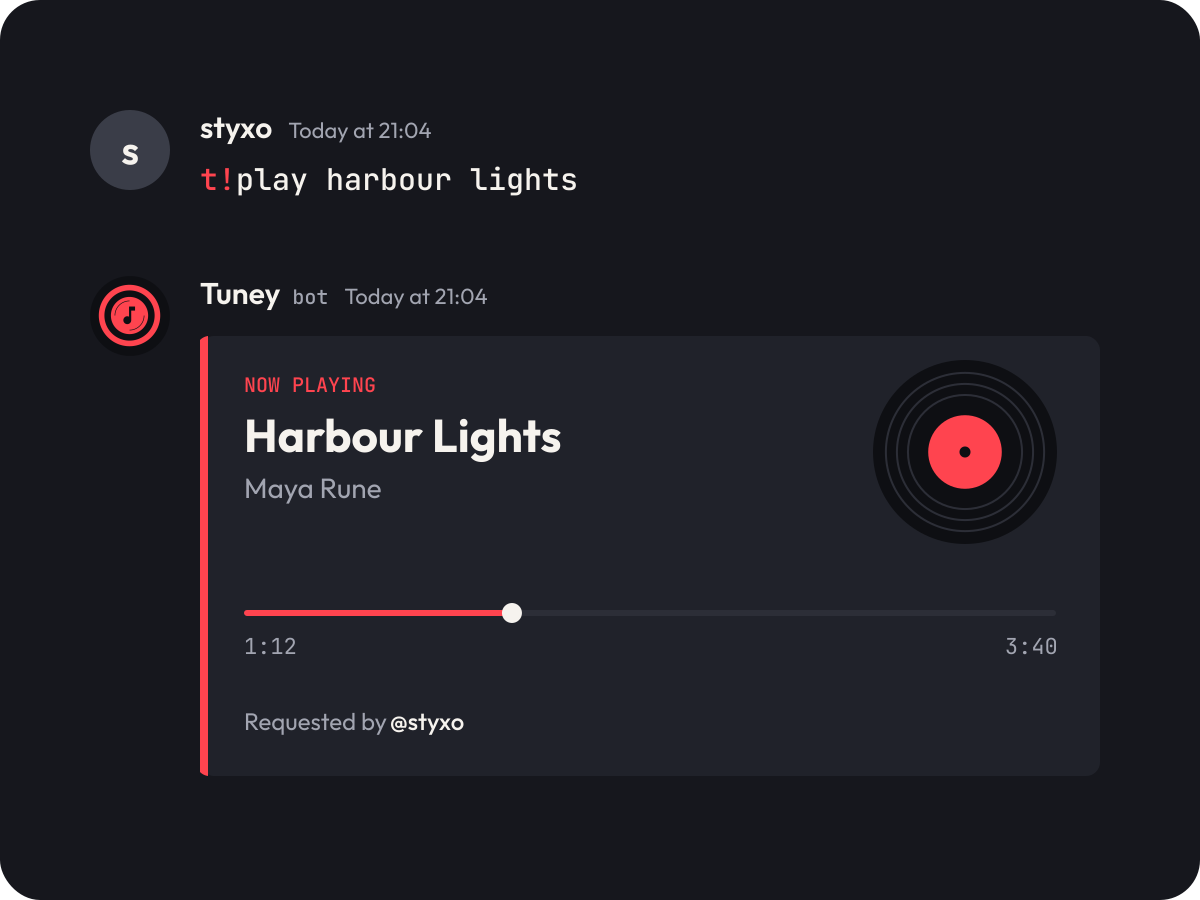
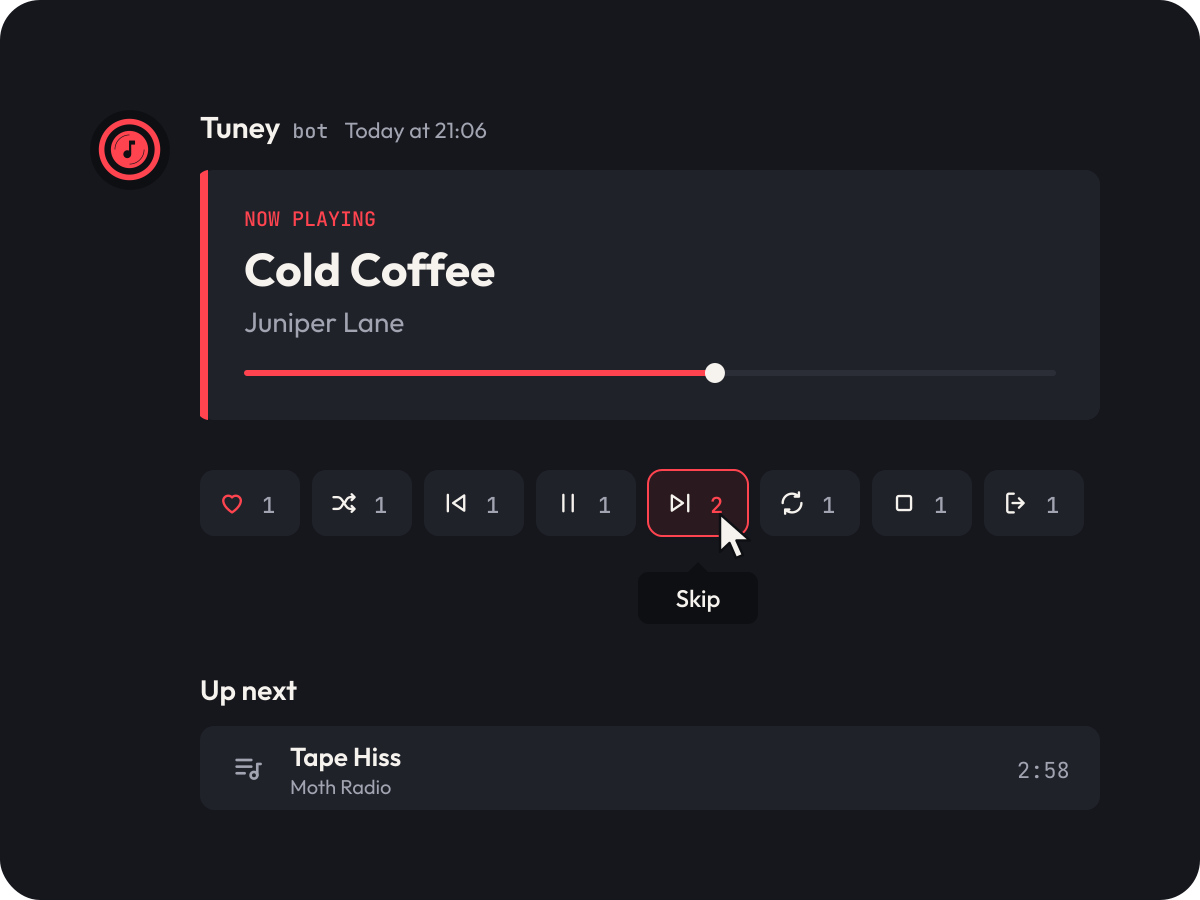
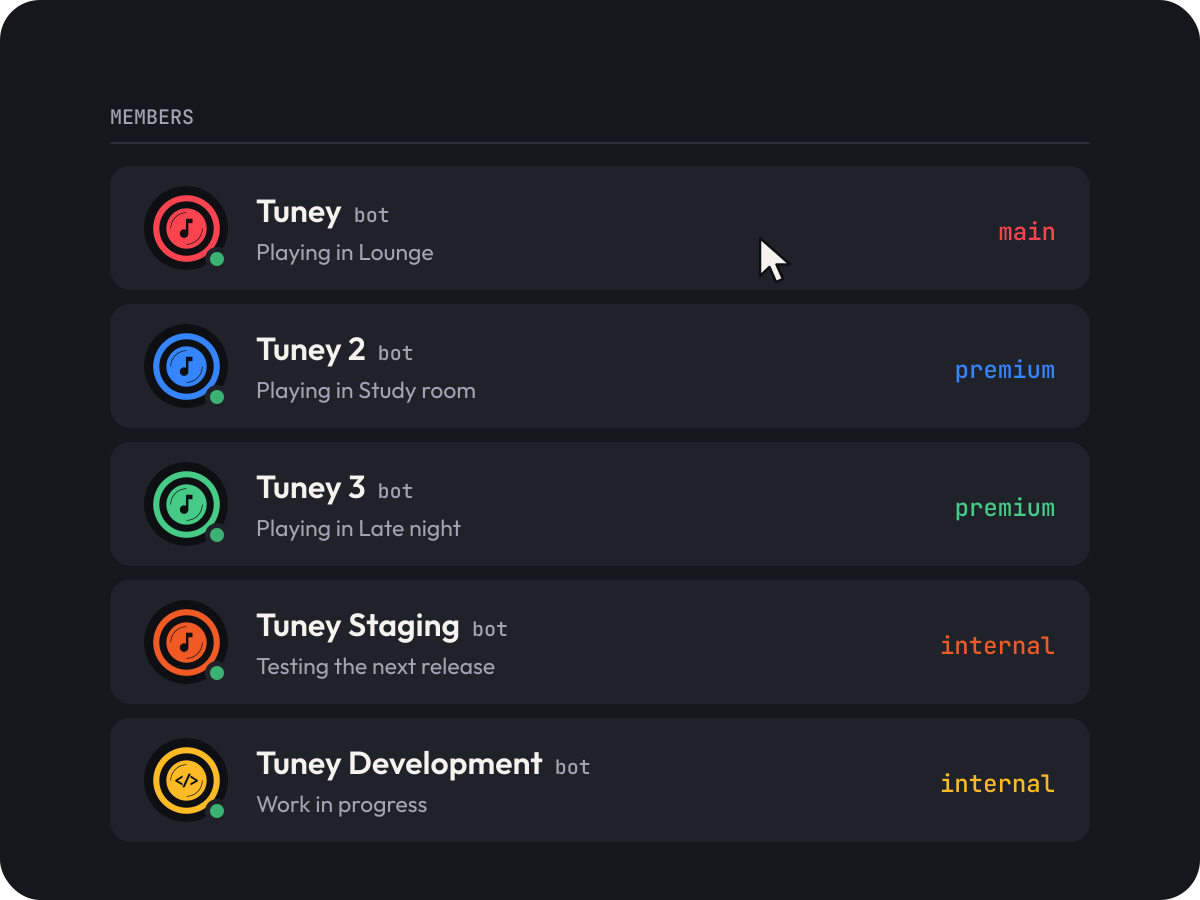
You type t!play and a song. Tuney joins, plays it and posts a player message with eight reactions under it: like, shuffle, previous, pause, skip, loop, stop and leave. It runs as five bots: Tuney itself, Tuney 2 and Tuney 3 for servers with a large number of members, and Staging and Development, which are internal.
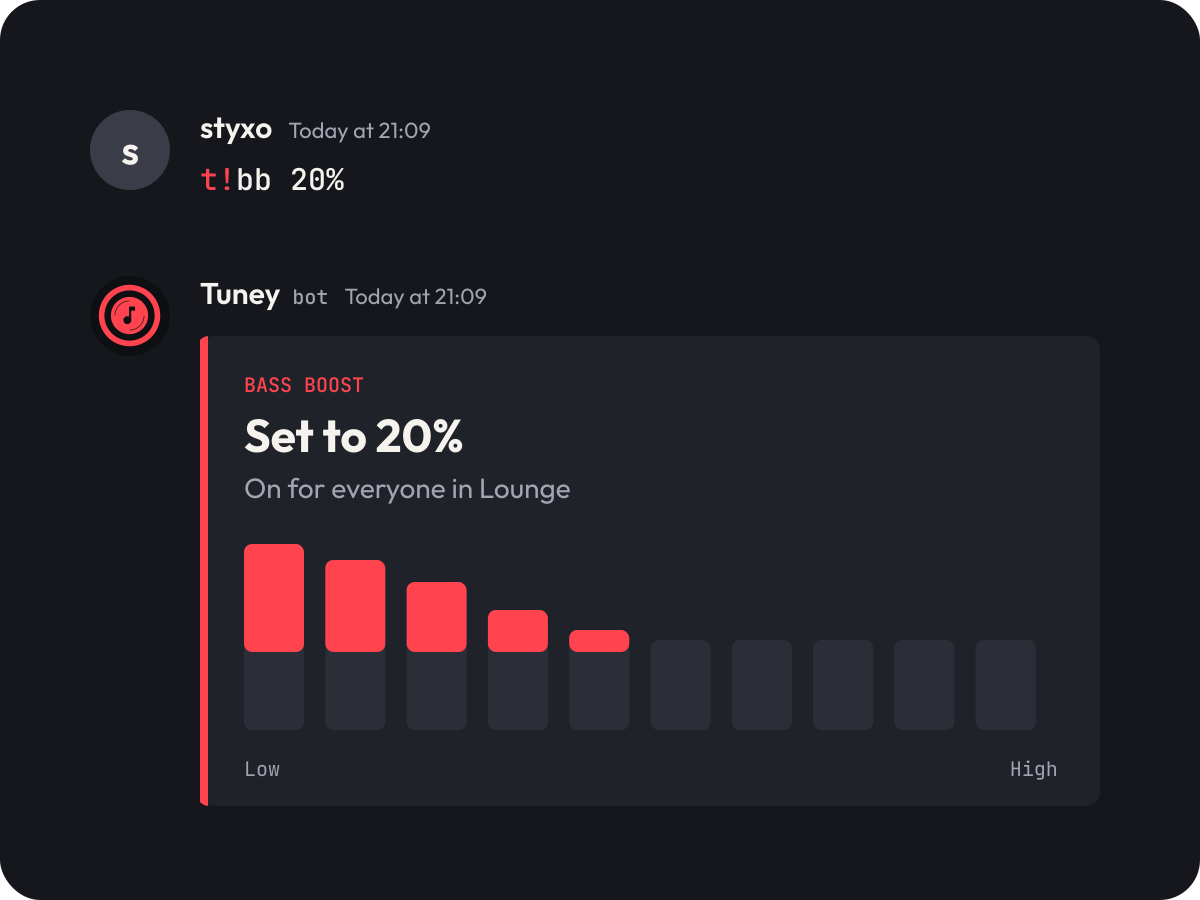
We had already drawn its icon, a coral record with a note on it, in a version for each bot, and two pictures for a site: bass boost and the reaction controls. The icons stay exactly as we drew them. This time we built what goes around them: lockups, colour, type, icons, illustrations, applications and a six-page website.
The mark
Our first drawing, kept as it is
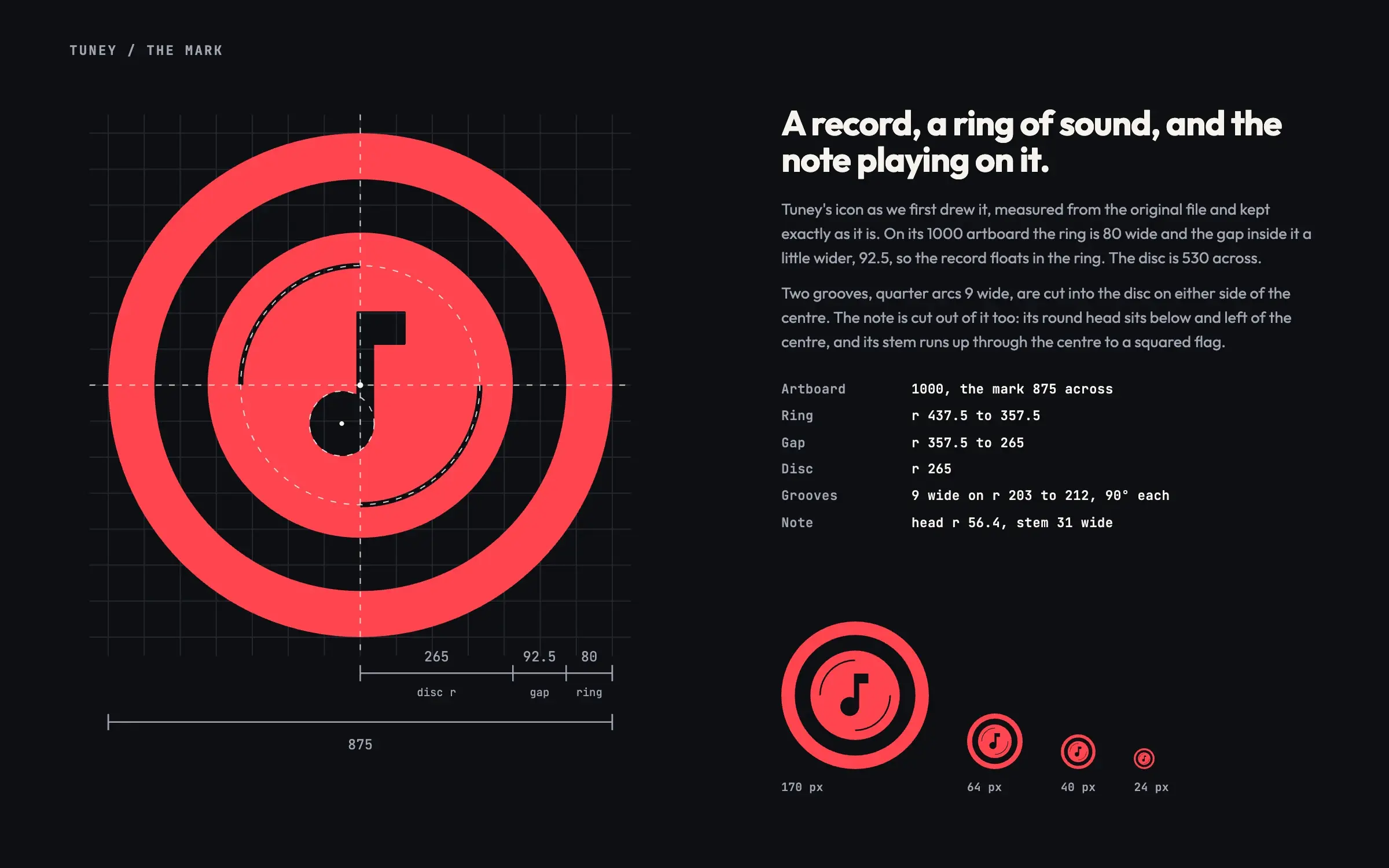
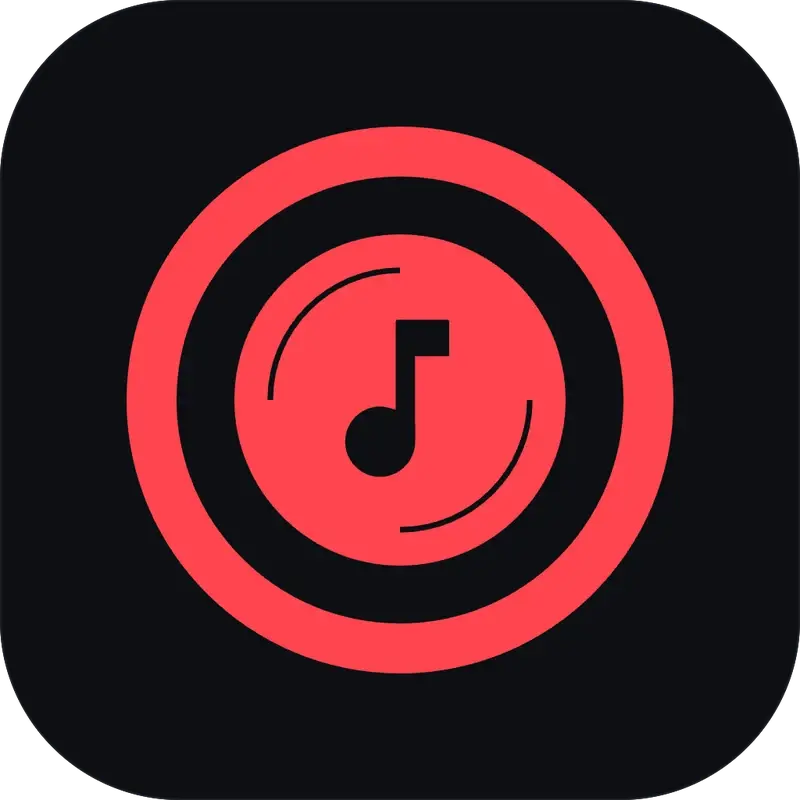
We drew Tuney’s icon before this project: a ring of sound round a record, a note playing on it and two grooves that make it spin. It stays exactly as drawn; what’s new is everything around it.
- 01
A ring of sound
The ring is 80 wide and the gap inside it a little wider, 92.5, so the record floats in the ring.
- 02
The record
A disc 530 across, with two grooves cut into it: quarter arcs 9 wide, facing each other across the centre. On this page they turn as you scroll; nothing else moves.
- 03
The note
Cut out of the disc, its head below and left of the centre and its stem running up through the centre to a squared flag. Development has code brackets in its place.
Five versions
One icon, five bots
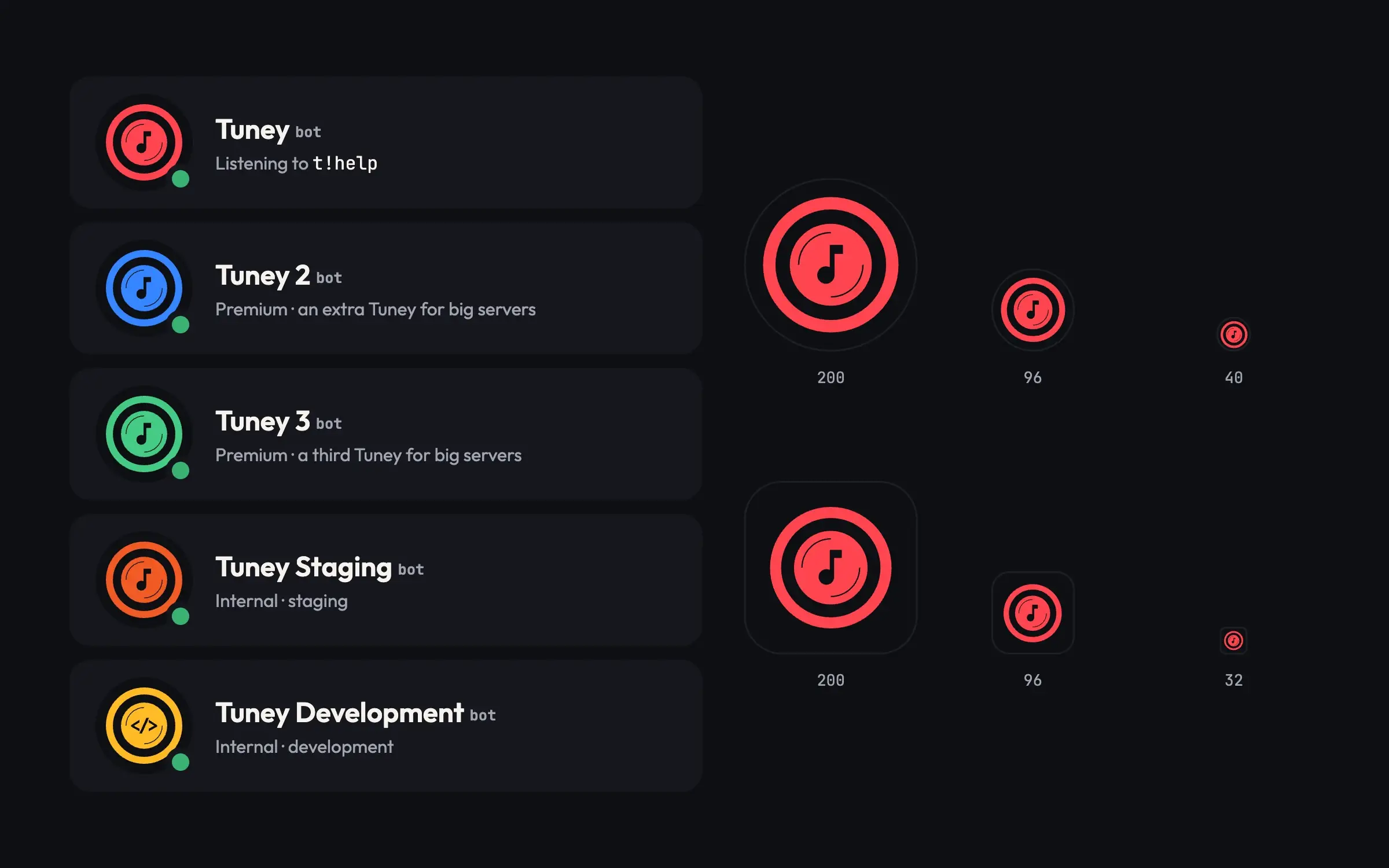
Tuney runs as five bots, and each has its own version of the icon: the same record and note in its own colour, with code brackets for Development. They are our earlier work, kept exactly as drawn.
Main · Coral #FF444F
Tuney
The main bot, the one servers add. Its coral is the brand colour and the mark on everything else here.
Premium · Blue #3585FF
Tuney 2
A premium bot: an extra Tuney for servers with a large number of members that need more than one.
Premium · Green #45CB85
Tuney 3
The other premium bot: a third Tuney for servers with a large number of members that need more than two.
Internal · Orange #F15A24
Tuney Staging
For internal staging, before a release reaches the others.
Internal · Yellow #FFBB25
Tuney Development
For internal development. Code brackets take the note’s place.
Lockups
A wordmark cut from Outfit Bold
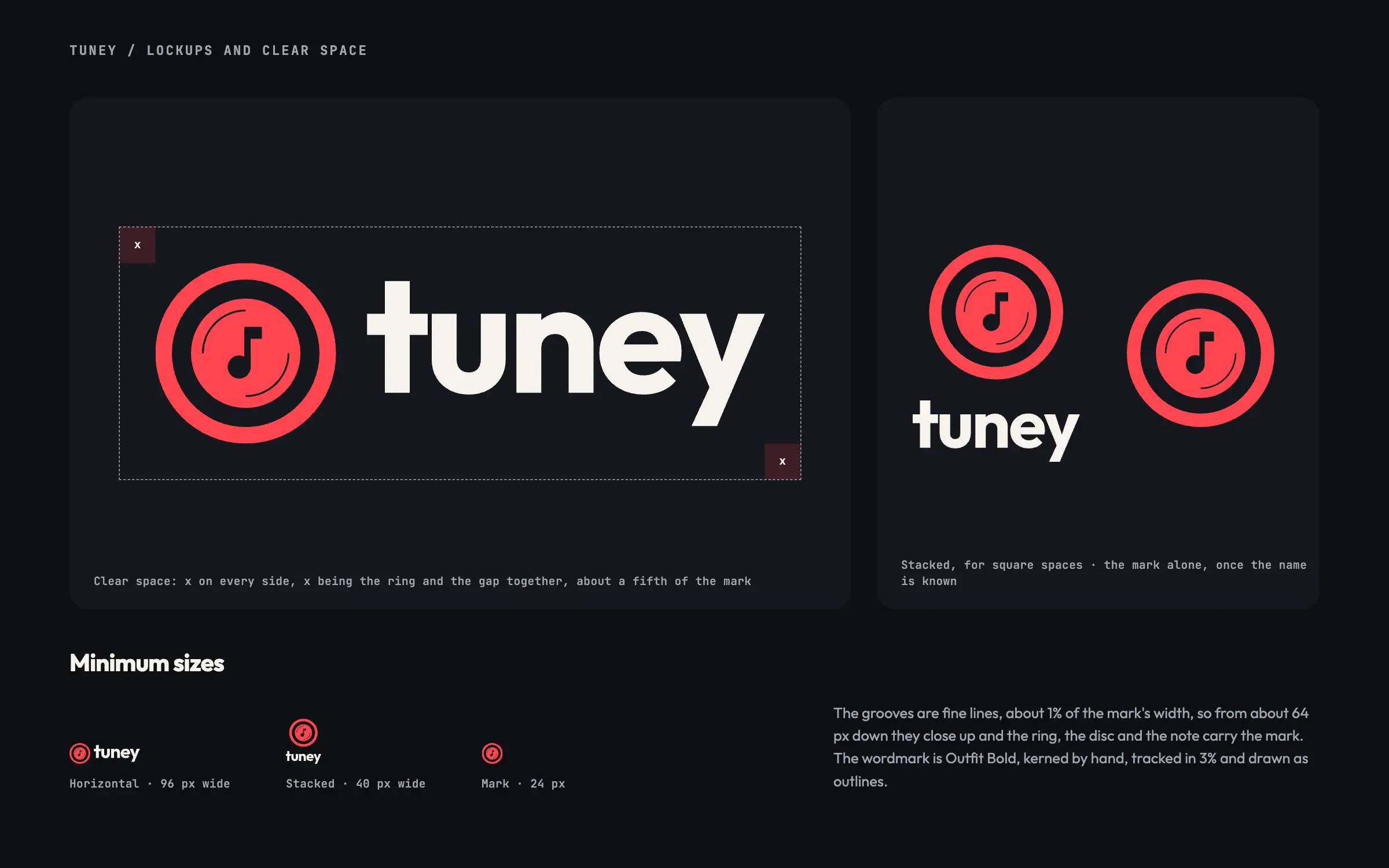
Set in lowercase, kerned by hand, tracked in 3% and drawn as outlines. Horizontal, stacked and the mark alone, with clear space of one ring and gap on every side.
Colour
Night, and one colour per bot
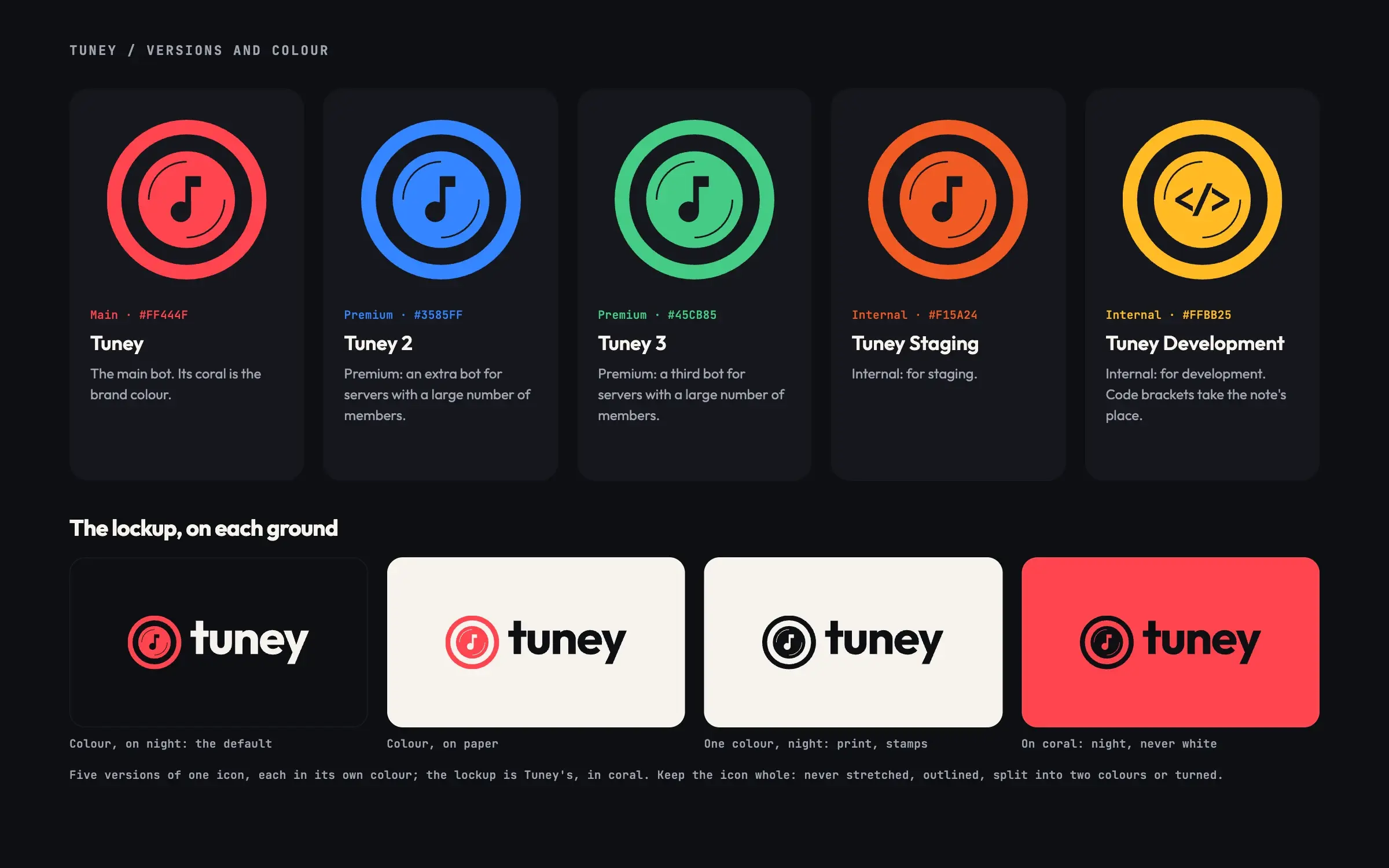
Coral is Tuney’s and the brand’s: the record playing. Blue, green, orange and yellow belong to the other four versions and only appear with them. Coral buttons take night type: white on coral is 3.4:1, night is 5.6:1.
- Coral#FF444FTuney, the mark, primary buttons
- Blue#3585FFTuney 2, premium
- Green#45CB85Tuney 3, premium
- Orange#F15A24Tuney Staging, internal
- Yellow#FFBB25Tuney Development, internal
Night
#0E0F13
The ground
Graphite
#16171D
Cards, panels
Slate
#20222A
Chat, inputs, code
Line
#2C2E37
Hairlines
Mist
#A2A5B1
Secondary text
Paper
#F6F3EE
Text on night
Type
Outfit to read, JetBrains Mono to type
Outfit’s round o and u are drawn from circles, like the mark. Tuney is used by typing, so commands are set in the mono you type them in, with the prefix in coral.
Outfit · 400 600 700
Aa
JetBrains Mono · 400 500
t!bb 20%
- 72 · HeadlineMusic in your voice channel
- 40 · SectionControls under every song
- 22 · LeadTuney joins your voice channel and plays what you ask for.
- 17 · BodyInvite it once. After that, anyone in the server can queue a song.
- 15 · Commandt!play harbour lights
Icons and illustration
Drawn from the mark’s parts
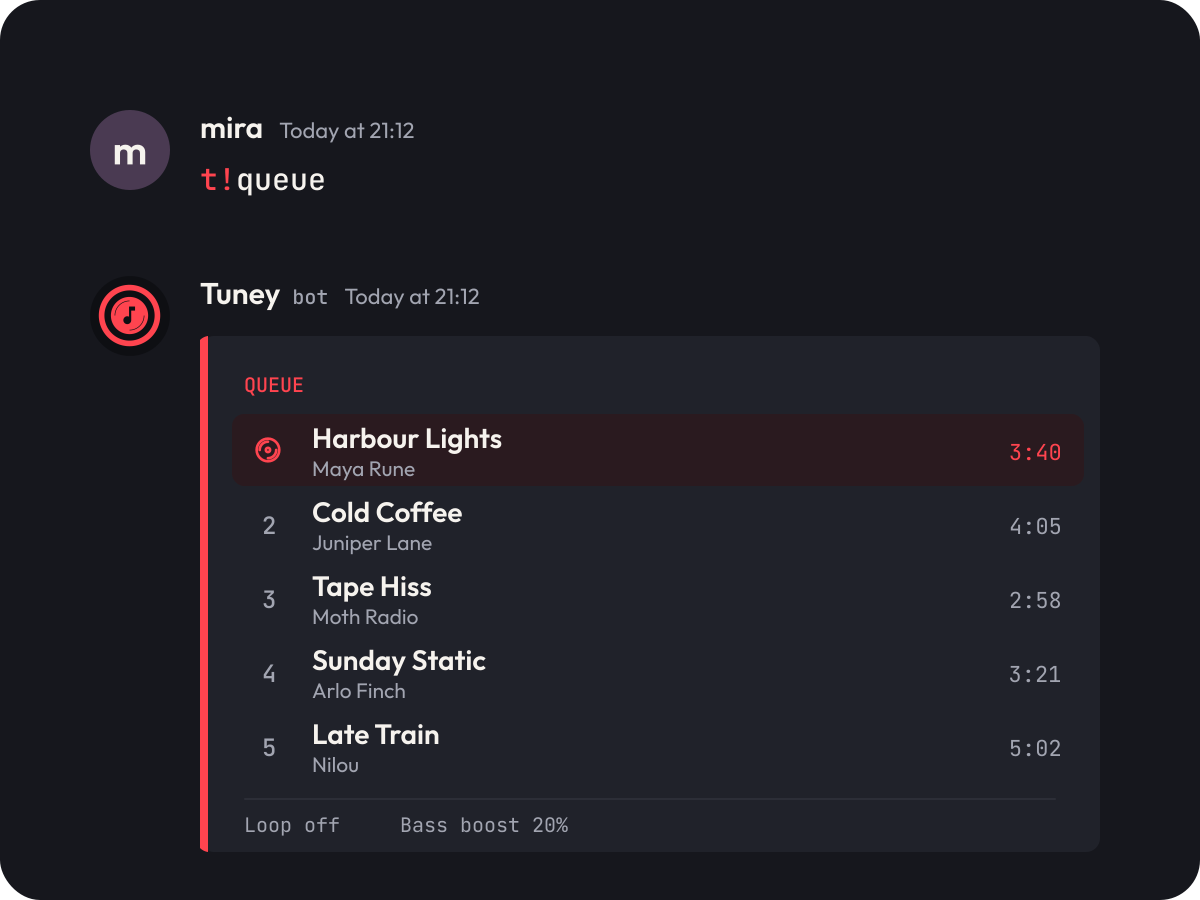
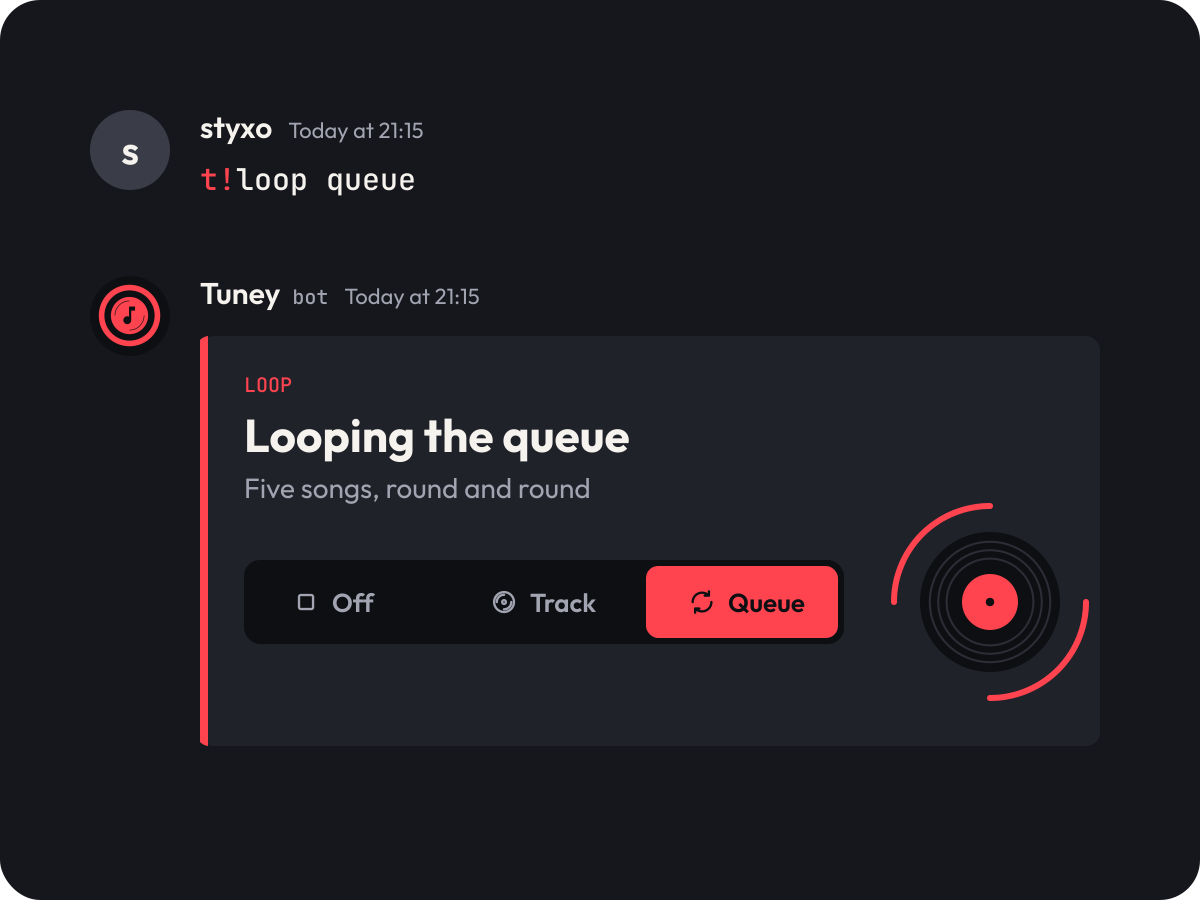
Sixteen icons for the commands on a 24 px grid, with 2 px strokes and quarter arcs like the grooves. The original Bass boost and Reaction controls pictures became a set of six: one moment in a chat each, flat, with coral for whatever is playing.
- play
- pause
- skip
- previous
- shuffle
- loop
- like
- stop
- leave
- queue
- bassboost
- volume
- nowplaying
- search
- voice
- code
In use
From the app icon to a twelve-inch slipmat
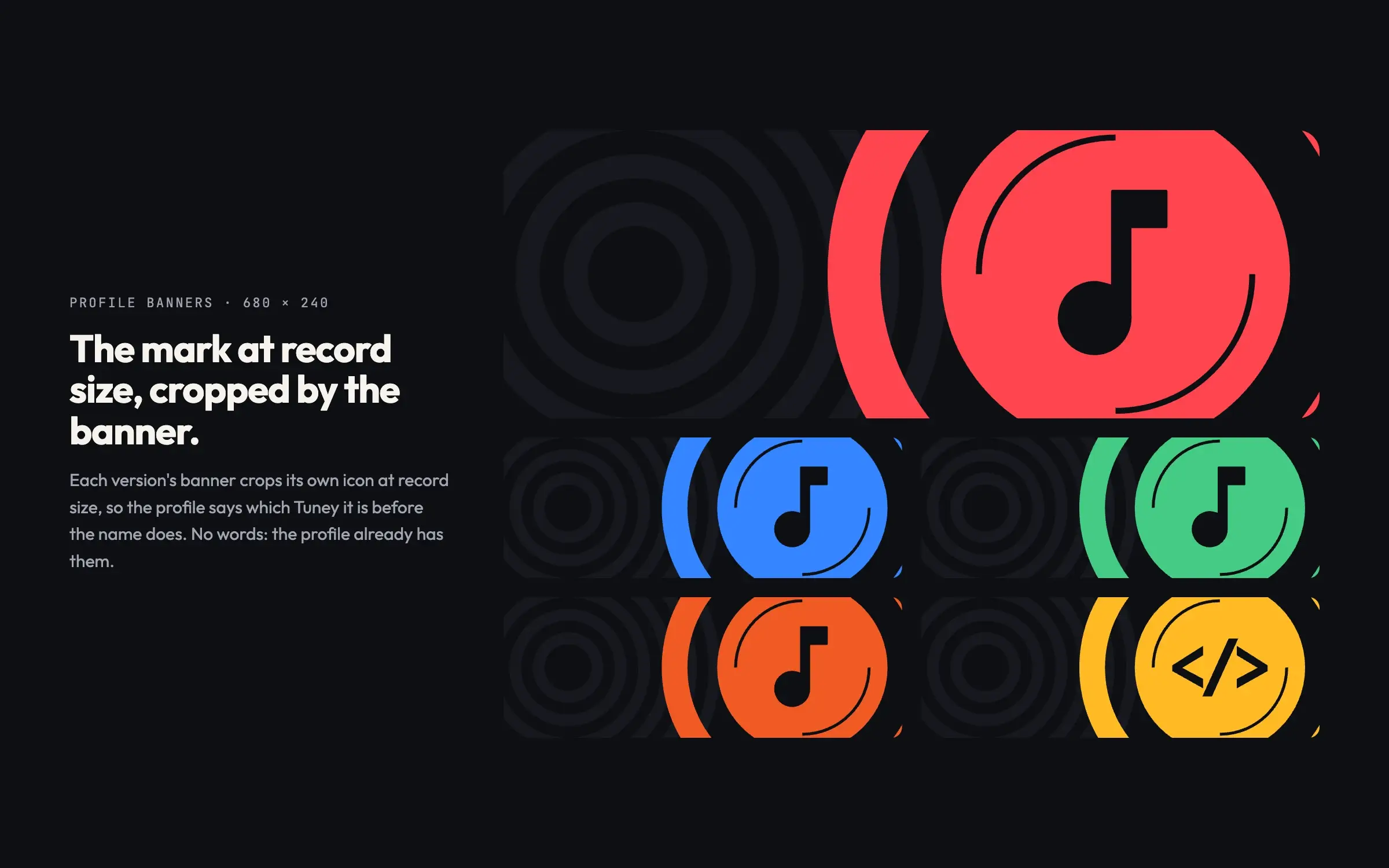
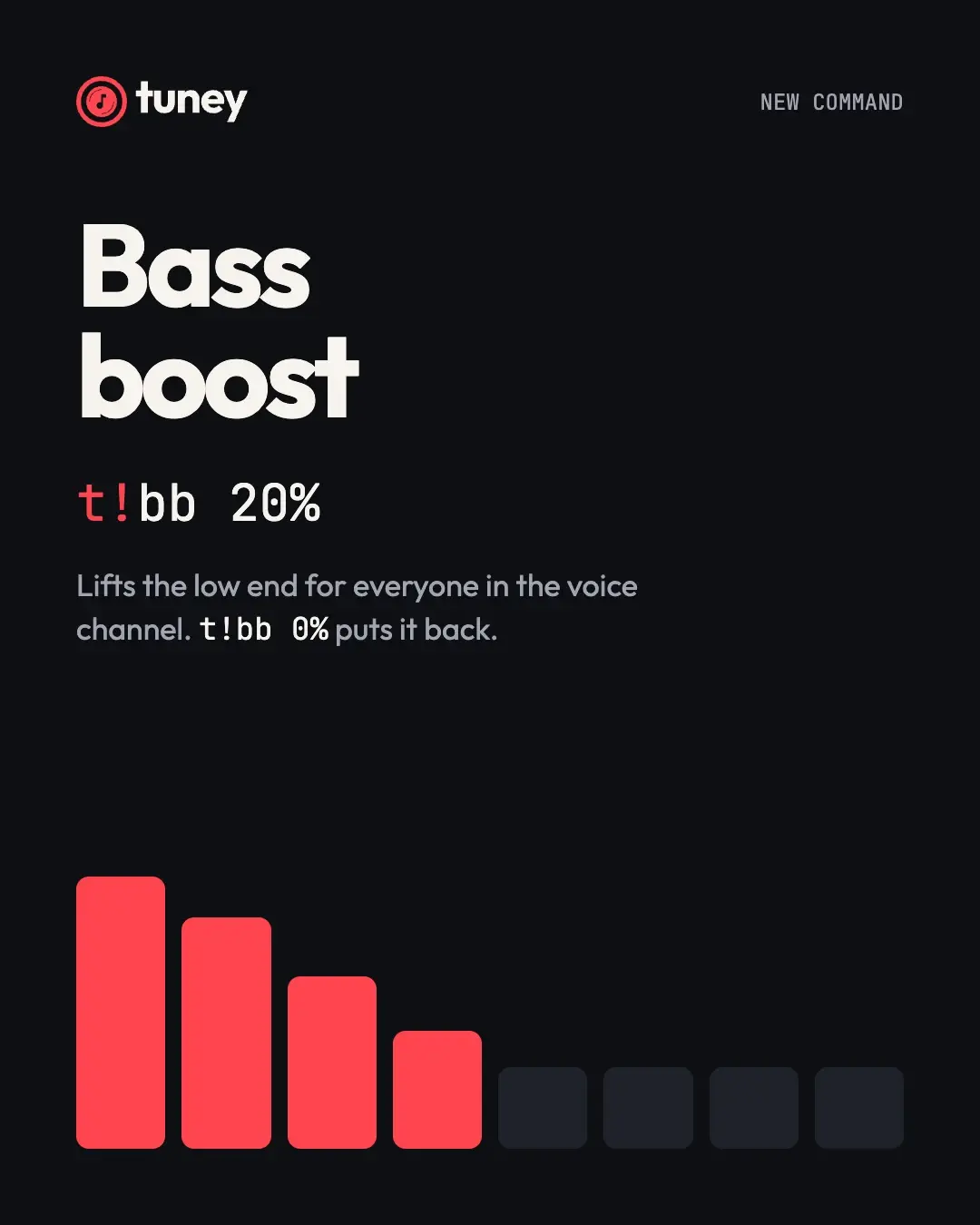
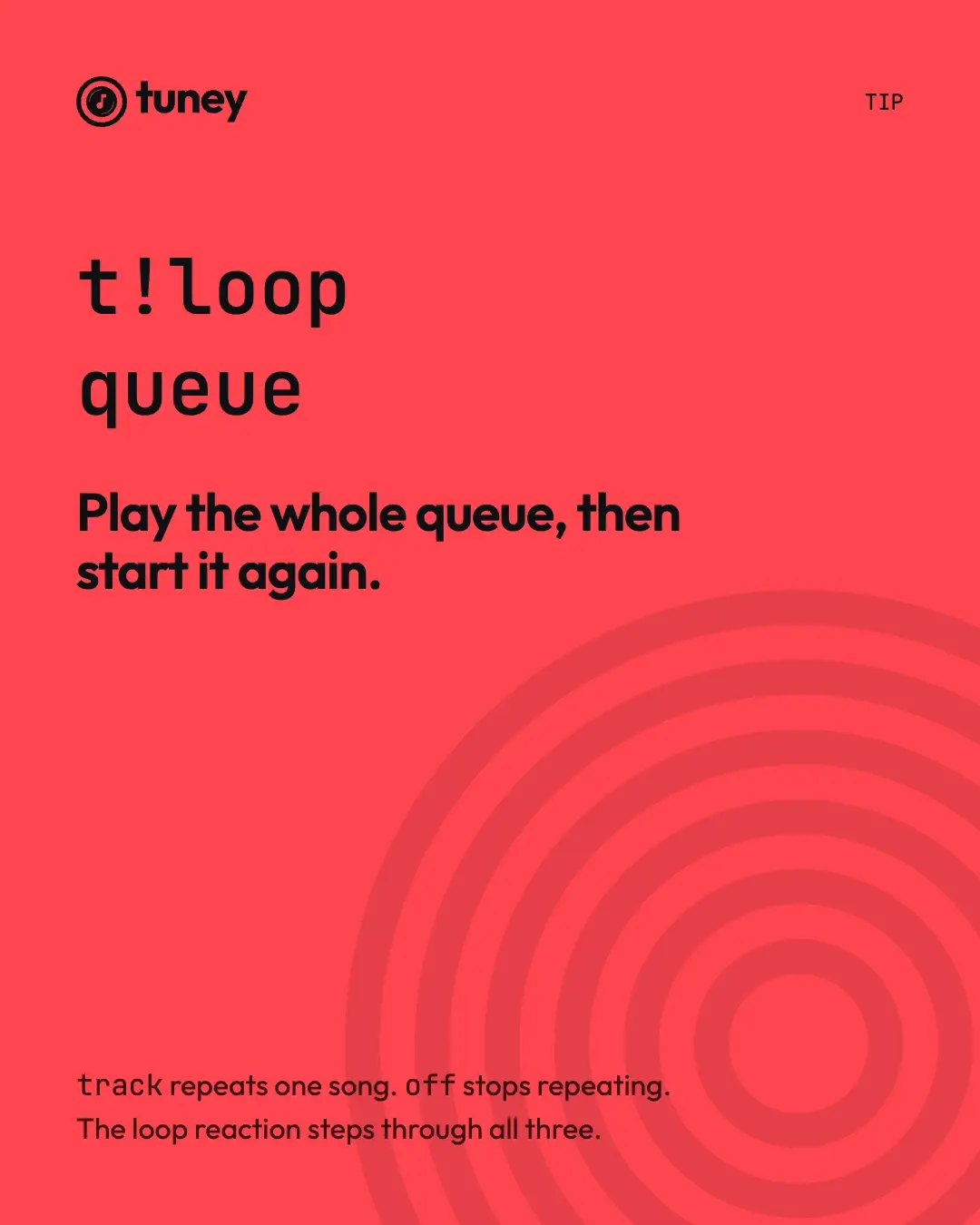
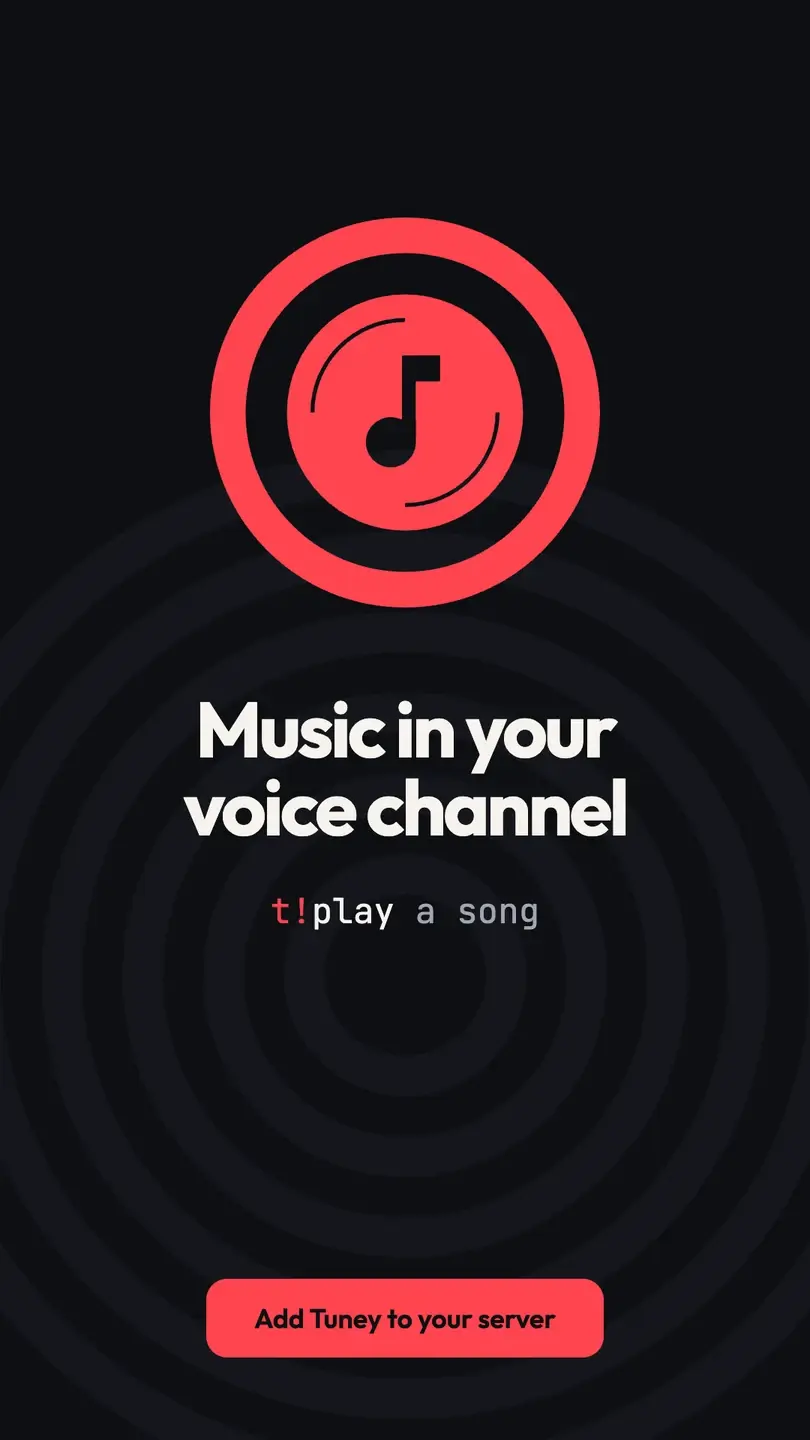
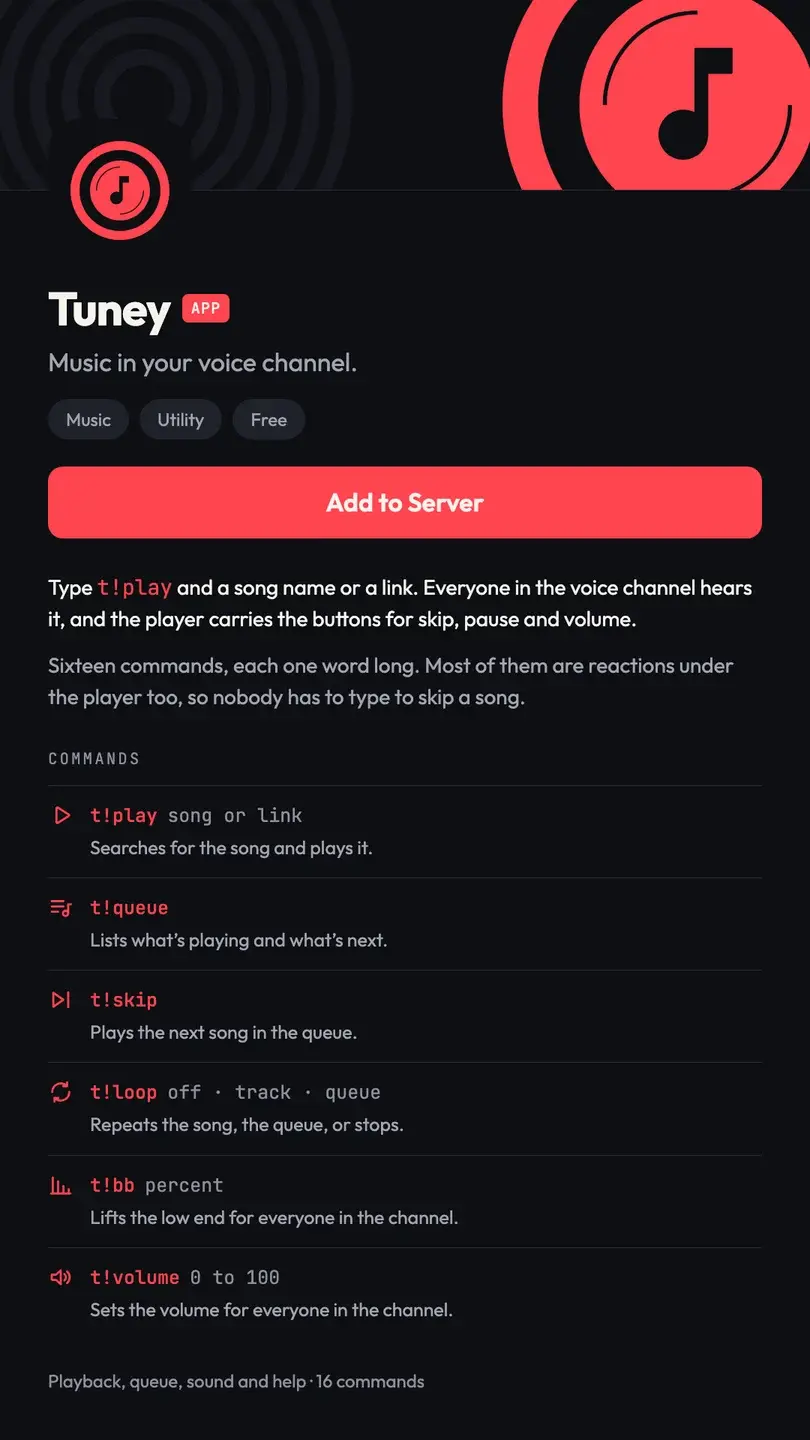
The app icon and each version’s profile banner, post templates for new commands and tips, a story, the listing a server adds the bot from, and a slipmat.

The website
Six pages that show the bot working
Home, Commands, Getting started, Versions, Support and a 404, designed at 1440 and 390. The product is drawn in the page as a real chat, player and reactions included, not as a screenshot.
Our design; the site isn’t live. The songs, people and servers in it are placeholders.


Home at 390

Commands at 390

Getting started at 390
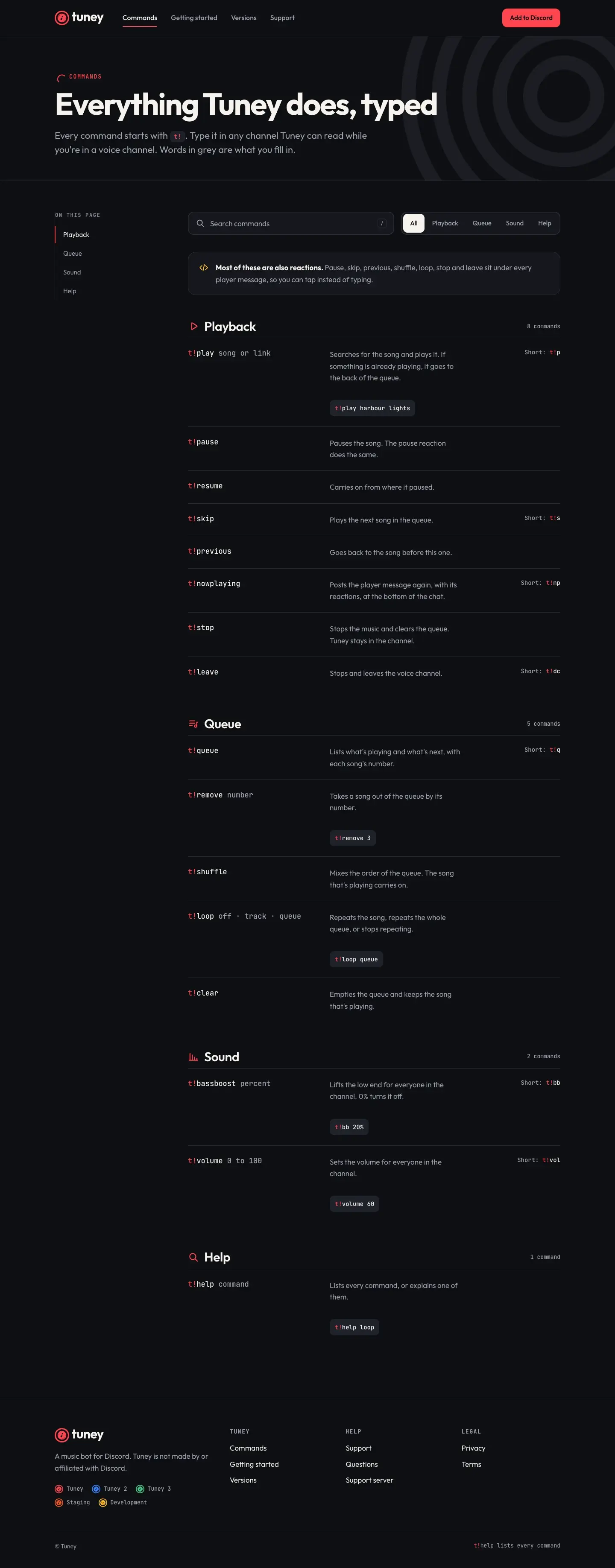
Commands: every one, grouped, with what it takes and a short form
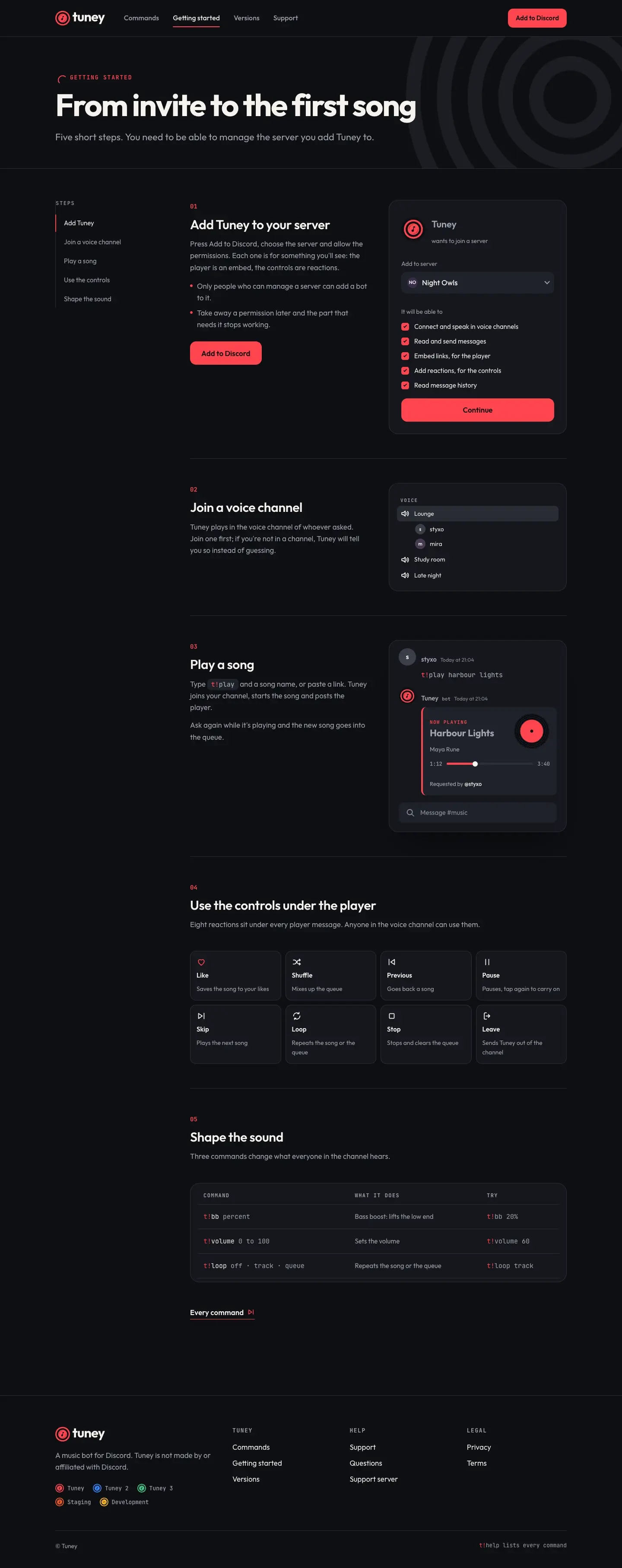
Getting started: from the invite to the first song, in five steps
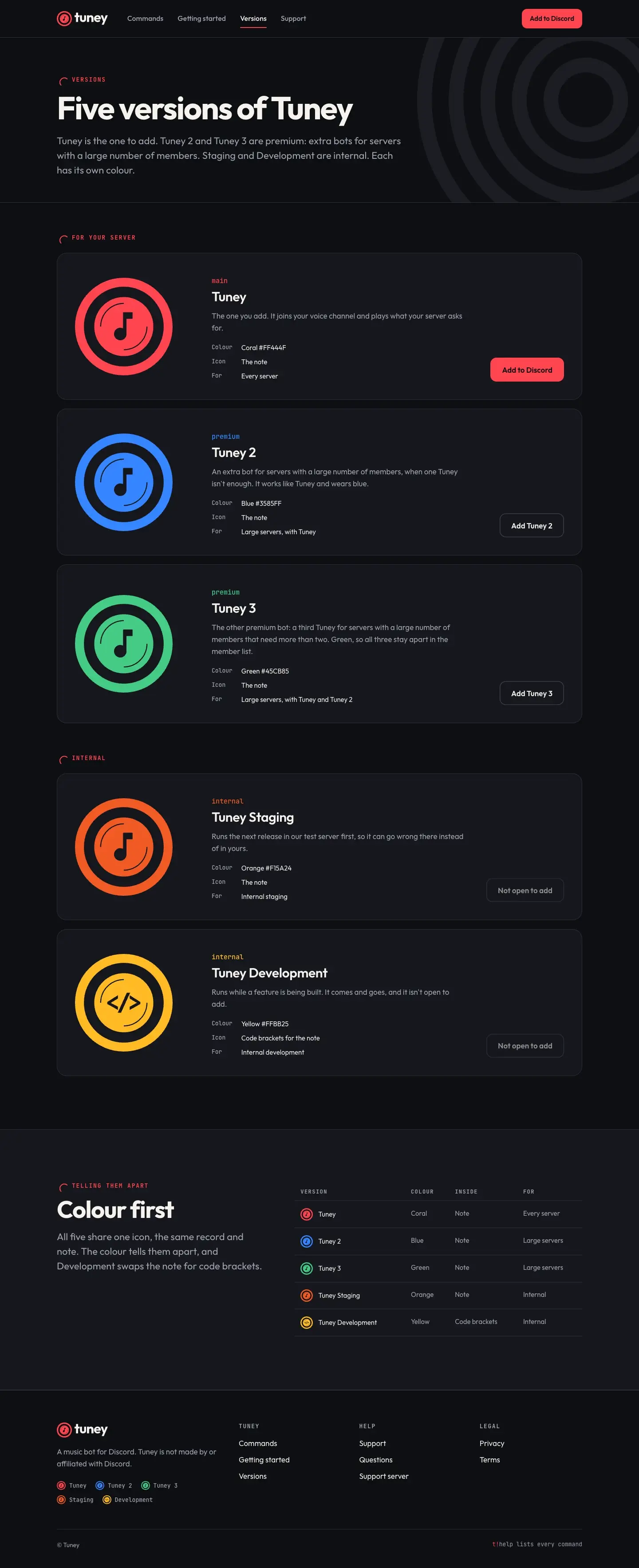
Versions: the five Tuneys, who each one is for, and how to tell them apart
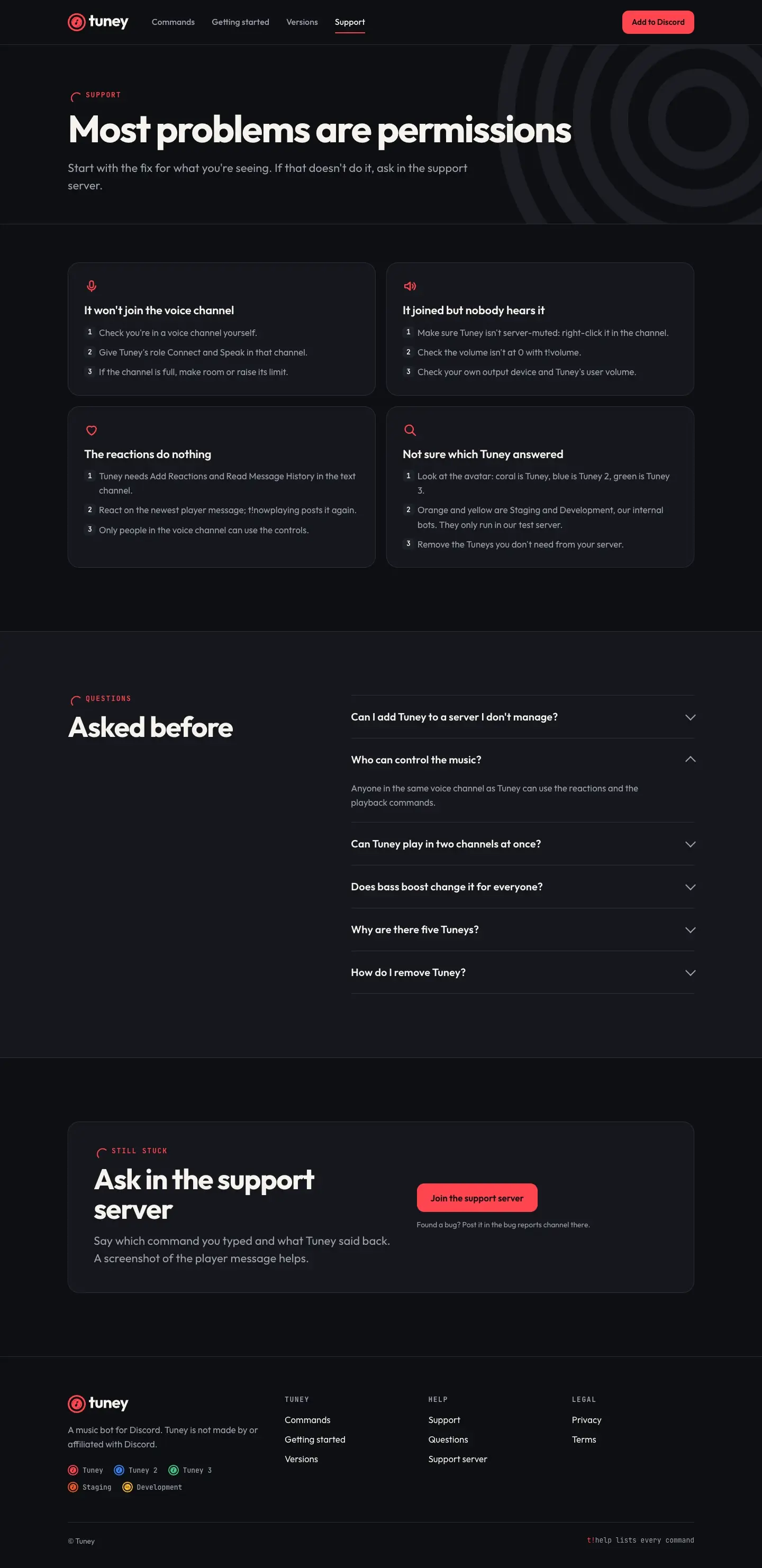
Support: fixes for the usual problems, then questions
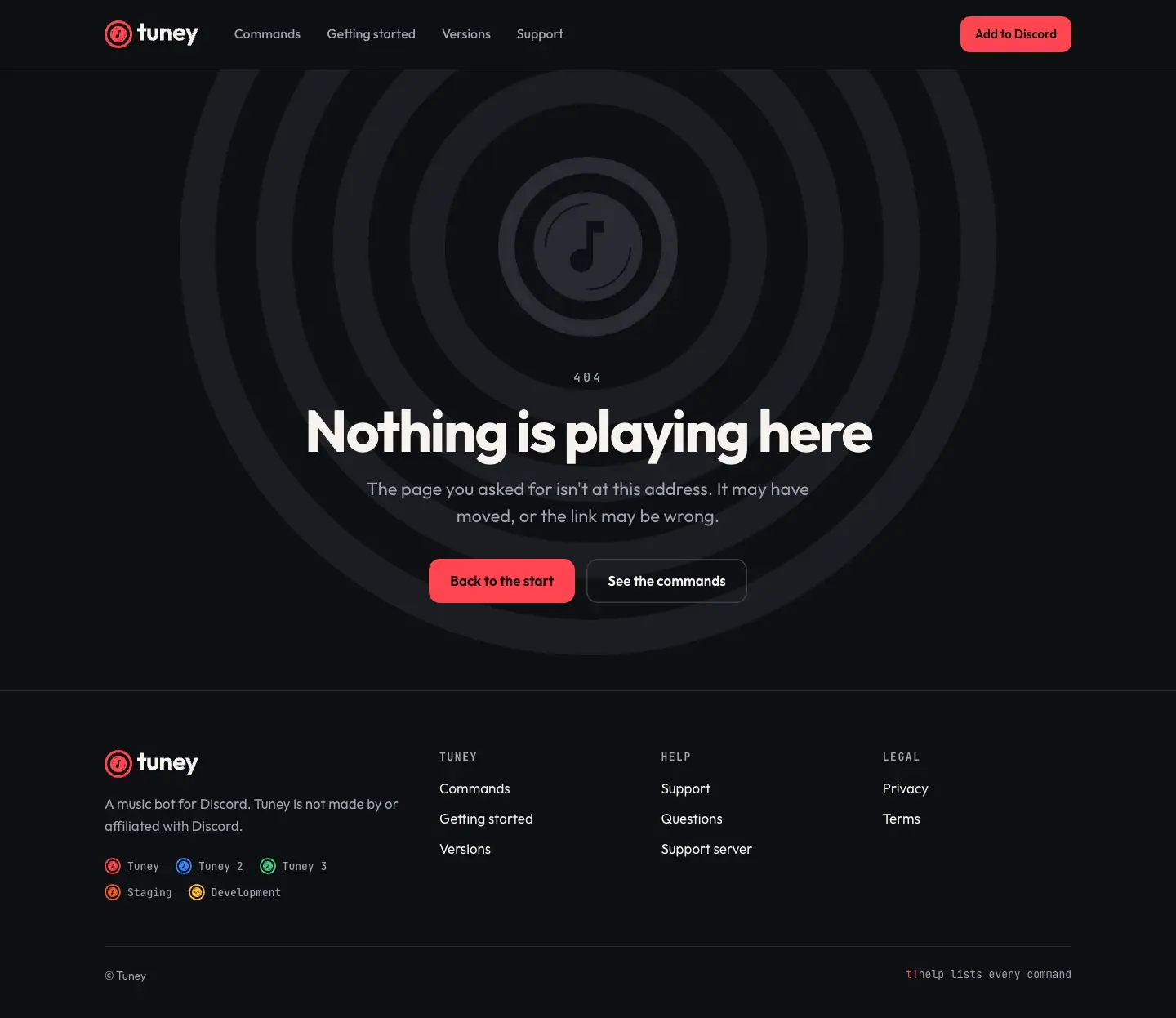
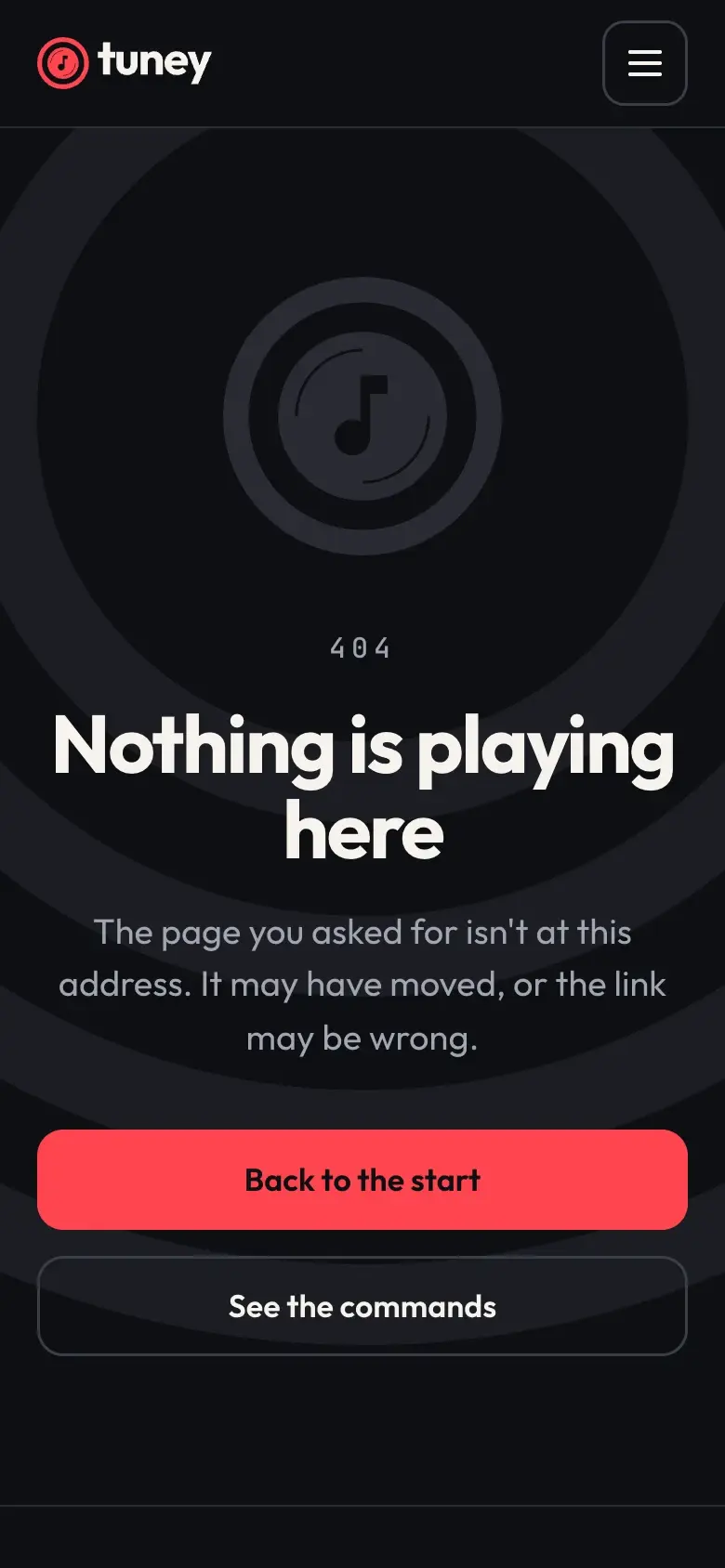
The 404: nothing is playing here, with the mark in grey.
Credits
- Client
- Tuney
- Services
- Identity design, Web design, Social media design
- What we made
- Wordmark, horizontal and stacked lockups round the original icon, one-colour and reversed
- Colour: night and the neutrals, with the five versions’ colours set in the system
- Type and sixteen command icons
- Six illustrations carrying on the original two
- App icon, and an avatar and a profile banner for each of the five versions
- Two post templates and a story
- The App Directory listing, and a slipmat
- A six-page website at 1440 and 390
- Notes
- Tuney’s icon and its five versions (Tuney, Tuney 2, Tuney 3, Staging and Development) with their colours, and the Bass boost and Reaction controls pictures, were our earlier work for Tuney; the icons are shown exactly as drawn. Everything else here is new design and not live. The commands on the site follow the bot as those pictures show it (the t! prefix, bass boost, the reactions under the player); they, and how the premium and internal versions run, are to be checked against the bot before anything ships.